
Self-Host Your PHP Apps on Windows and Linux with Gruxi
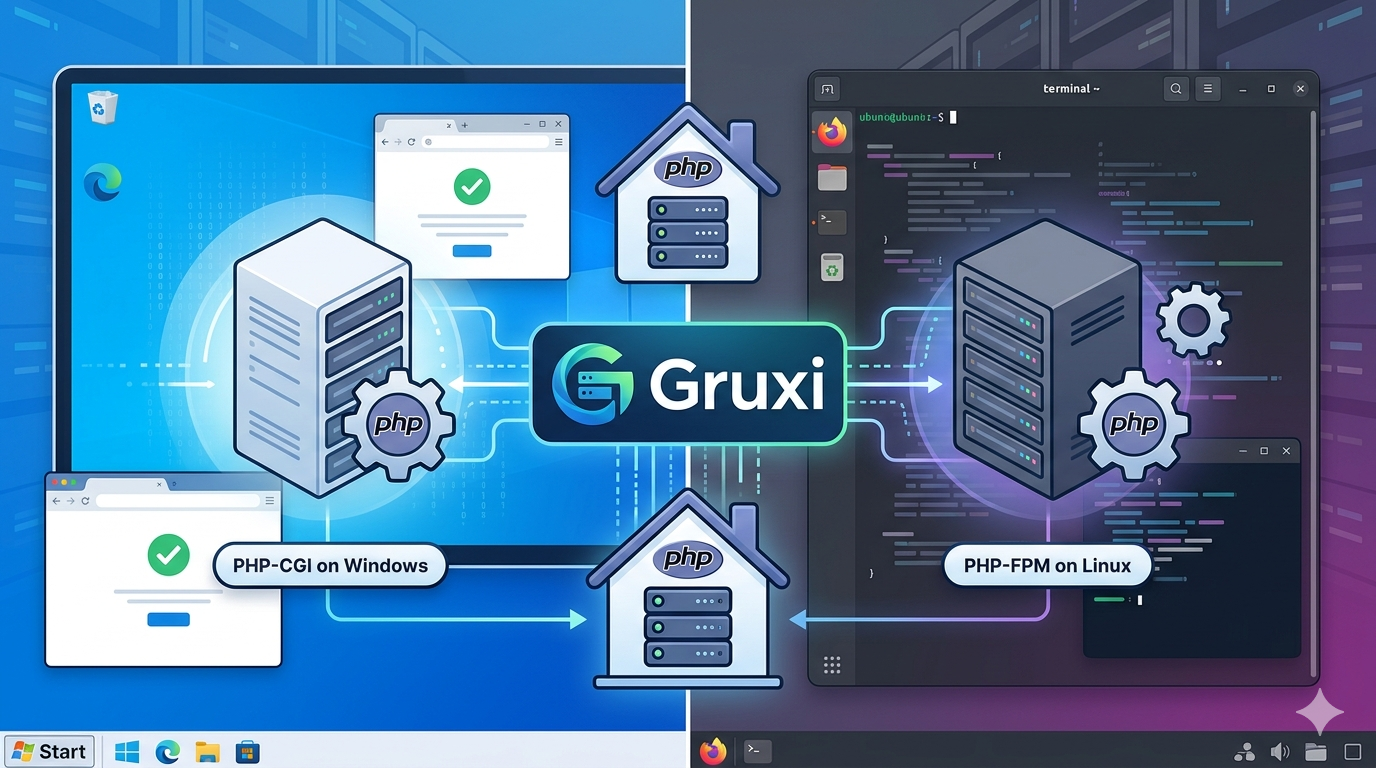
If you want to self host PHP without building and maintaining a full Apache or Nginx stack, Gruxi gives you a much simpler starting point. It runs on both Windows and Linux, has prebuilt binaries, includes a built-in admin UI, and supports the PHP models that make sense on each platform: managed PHP-CGI on Windows and PHP-FPM on Linux.
That makes it useful for two very common situations. The first is the self-hoster running a small VPS, home server, or lab machine who wants a clean way to host a PHP application without spending a weekend assembling the stack. The second is the local developer who wants a local PHP server in Rust that works similarly across operating systems.
If you are searching for how to self host PHP, how to host PHP on Linux and Windows, or a simpler alternative to the usual PHP web server setup, this is the practical overview to start with Gruxi.
Why self-host PHP at all?
Self-hosting gives you control that shared hosting and managed platforms do not.
- You choose where your application and data live.
- You decide when updates happen.
- You can keep costs low on small VPS instances or home hardware.
- You can test and deploy the same app on both Windows and Linux when needed.
For many developers, that combination matters more than having the most feature-rich web stack possible. A lot of PHP applications do not need a deeply customized reverse-proxy setup on day one. They need something that is understandable, stable, and quick to get running.
Why traditional PHP stacks feel heavier than they need to
The default answer to PHP hosting is still often some variation of Apache or Nginx in front of PHP-FPM, plus service definitions, plus cert handling, plus logging, plus a growing pile of config files. That stack is proven, but it also assumes you want to manage each layer separately.
For smaller deployments, the pain is usually not PHP itself. It is the amount of operational glue around it.
Common friction points include:
- multiple configuration formats spread across several tools
- more manual tuning than a small app really needs
- different workflows on Windows and Linux
- extra effort to inspect process state and live traffic
On Windows, the situation is often even more awkward, as many webservers, like Nginx and Apache, are primarily designed for Unix-like environments and require additional configuration to run smoothly on Windows.
Why Gruxi fits self-hosted PHP well
Gruxi is designed to reduce that setup burden. It gives you one place to configure routing, PHP handling, and site behavior, while keeping the platform-specific PHP integration sensible.
For self-hosters and developers, the useful advantages are straightforward:
- Prebuilt binaries for fast setup on Windows and Linux
- Linux packages with systemd integration when you want service management on Debian or Red Hat based systems
- Windows service support when you want the same machine to run persistently in the background
- Managed PHP-CGI on Windows so Gruxi can start and supervise
php-cgi.exe - PHP-FPM support on Linux for a standard FastCGI deployment model
- A built-in admin UI for configuration, reloads, and monitoring
The important part is not that Gruxi removes every deployment decision. It does not. The important part is that it removes a lot of ceremony around the common case.
If your goal is to self host PHP with minimal tuning, that is a real advantage.
Quick getting started on Windows and Linux
The fastest way to understand the workflow is to run Gruxi once on each platform.
Windows: run the binary, then connect PHP-CGI
Download the Windows release from GitHub Releases, extract it, and start it from PowerShell:
.\gruxi.exeThen open https://localhost:8000, log in with the initial admin password shown in the startup output, and configure a managed PHP-CGI instance that points to your local php-cgi.exe.
Once that is in place, create a site with:
- a Static File Processor pointing at your app folder
- a PHP Processor using
Windows PHP-CGI (managed)
If you want the machine to keep serving the site after reboots, install Gruxi as a Windows service later with:
gruxi.exe --install-serviceThat makes Windows a viable option for local development, internal tools, or lightweight self-hosting without IIS, Apache, or Nginx.
Linux: install a package or start with Docker
On Debian-based Linux, the simplest persistent setup is the package install:
sudo dpkg -i gruxi-<version>-linux-amd64.deb
sudo systemctl status gruxi
That gives you the Gruxi binary plus systemd integration, which is usually what self-hosters want on a VPS.
If you prefer containers, you can also start with Docker:
docker run --name gruxi1 -p 80:80 -p 443:443 -p 8000:8000 -d ghcr.io/daevtech/gruxi:latestFrom there, open https://localhost:8000, log in, and configure your site to use PHP-FPM. If you are running PHP directly on Linux or in another container, the PHP on Linux example shows the exact processor settings you need, including the FastCGI IP:Port and FastCGI Web Root values.
In practice, this means you can host PHP on Linux and Windows with one server product and a very similar admin workflow, even though the PHP runtime model differs by platform.
Monitoring traffic and PHP activity
One of the nicer parts of using Gruxi for self-hosted PHP is that you do not have to treat visibility as an afterthought.
The admin UI lets you inspect configuration, reload changes, and watch the server state live. That is useful when you are trying to answer simple operational questions quickly:
- Is the site receiving traffic right now?
- Is the PHP handler responding normally?
- Did the last configuration reload apply cleanly?
Gruxi also has built-in metrics. The admin portal presents the metrics in a user-friendly way, and if you want more formal monitoring later, you can enable telemetry and expose a Prometheus-compatible /metrics endpoint on port 8001.
That combination works well for both small self-hosted setups and local development environments, where fast feedback matters more than a large monitoring stack.
A simpler way to self-host PHP
If you want to self host PHP without inheriting unnecessary stack complexity, Gruxi is worth trying. It gives you cross-platform binaries, sane Windows and Linux workflows, built-in service support, and a single admin interface for both setup and monitoring.
Start small: download Gruxi, point it at a sample PHP app or even a static site, and verify the workflow on the platform you already use. From there, you can move to a VPS, a home server, or a more permanent Windows service or systemd deployment without changing the overall approach.
If you want to continue from here, start with the Getting Started docs, then follow the managed PHP-CGI guide for Windows or the PHP on Linux example for Linux.